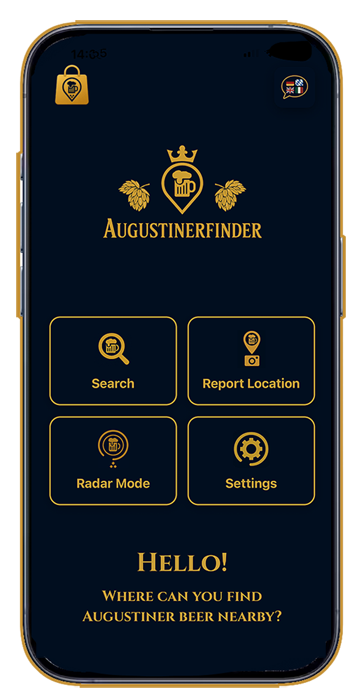
Clear menu with all functions
All functions can be accessed with just a few clicks and are easy to set up. Configure the Augustinerfinder to suit your (beer) taste.
Click on the images to enlarge them
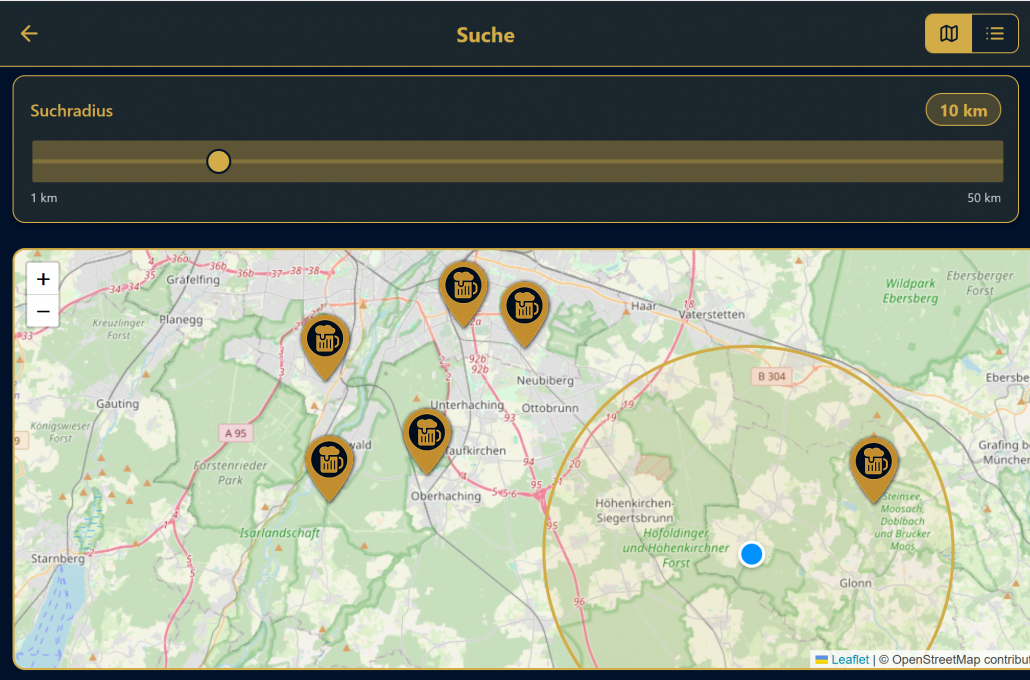
Custom location search
See all Augustiner locations near you. Depending on the search radius you set, all restaurants will be displayed with detailed information.
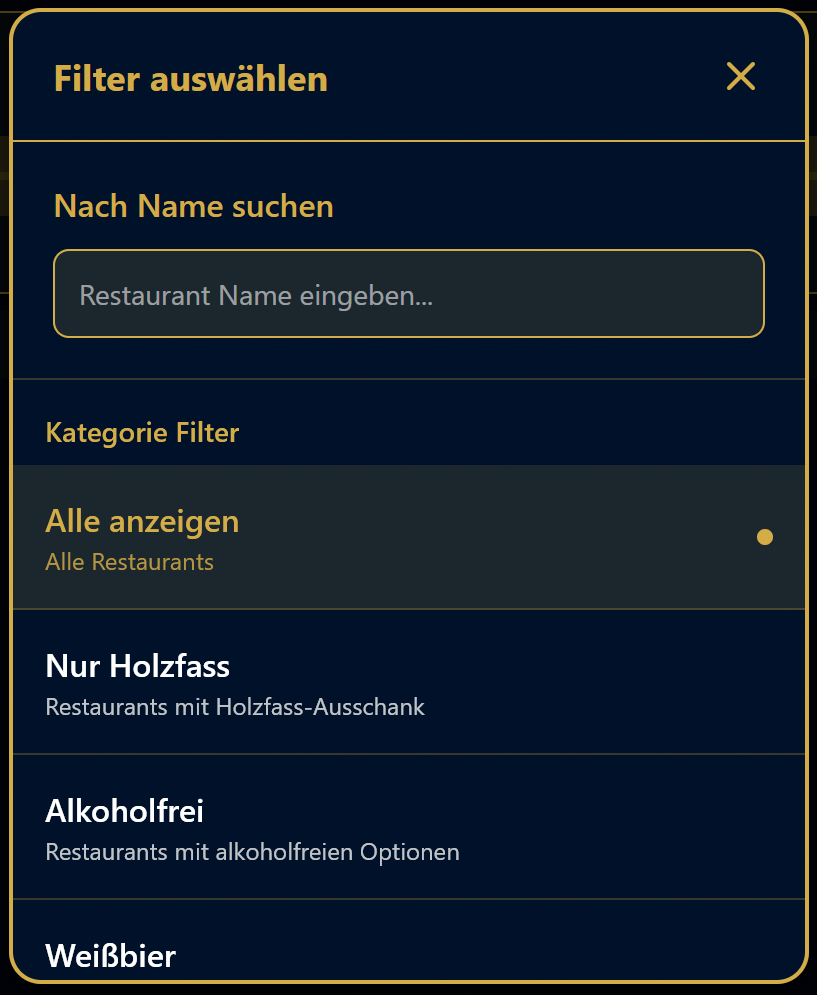
You can also search for restaurants by name and filter by different types of beer.
Apply various filters
In addition, restaurants can be searched by name and filtered by the different types of beer: lager, wheat beer, non-alcoholic, or served from wooden barrels.
Add a new restaurant
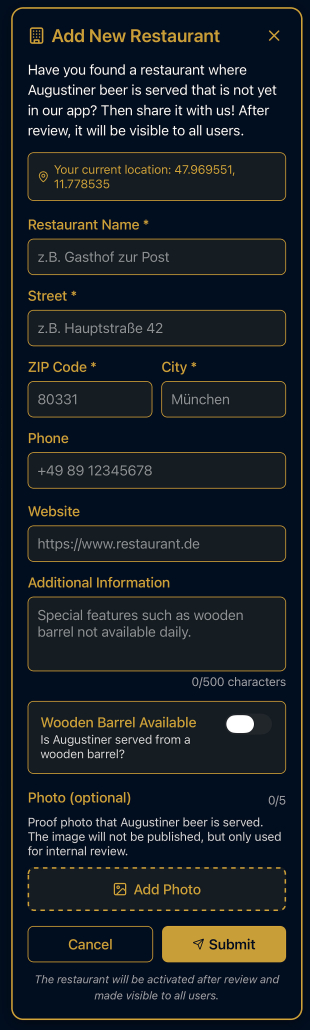
If you have discovered a new restaurant serving Augustiner beer that is not yet listed in Augustinerfinder, you can add it here in the app. After verification, it will then be available to all users.
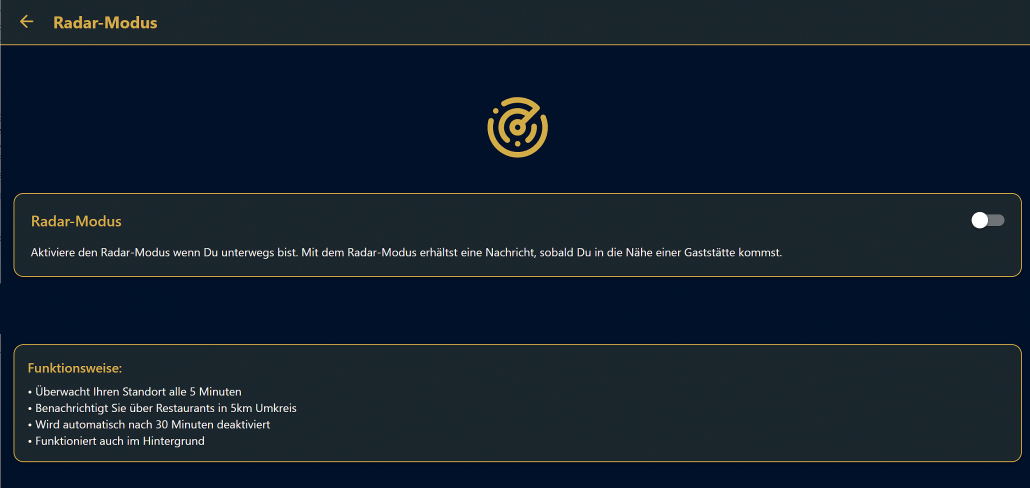
Optional radar mode for displaying Augustiner spots
See all Augustiner locations near you. Depending on the search radius you set, all restaurants will be displayed with detailed information. If desired, an acoustic signal will sound when you approach an Augustiner location.
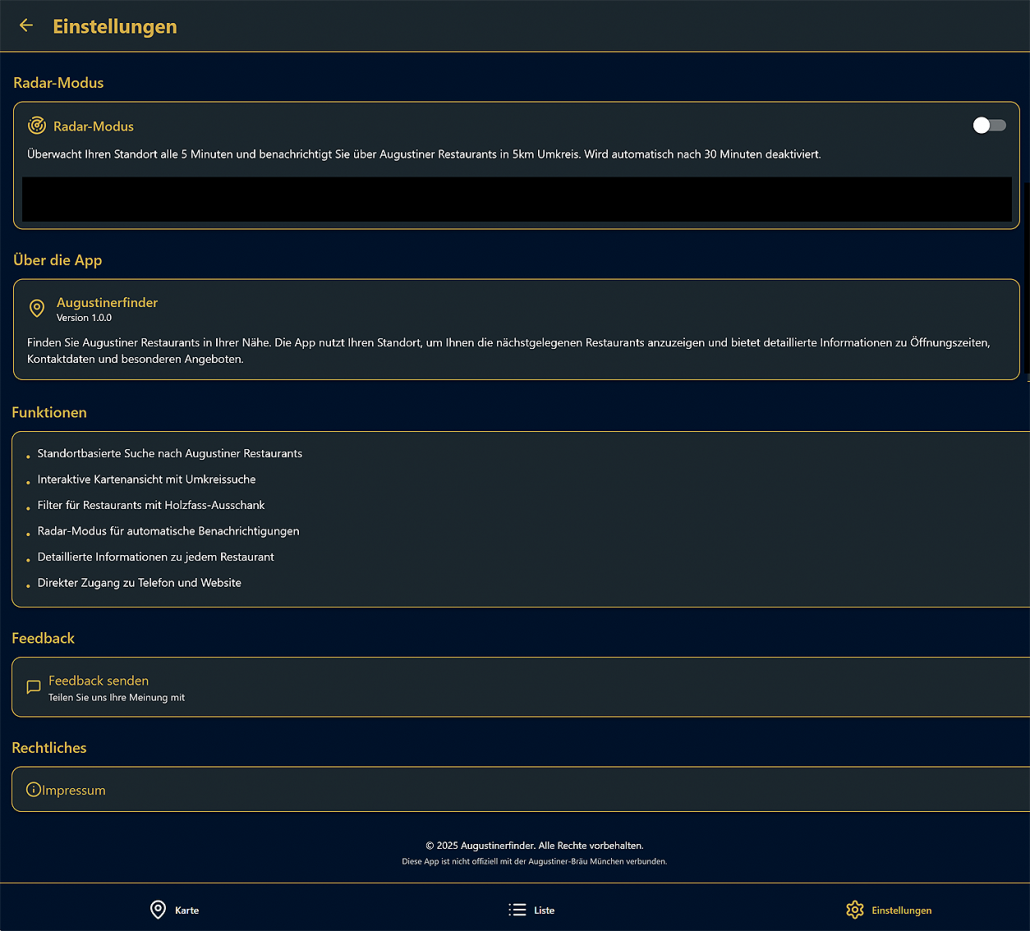
Custom settings
The app uses your location to show you the nearest Augustiner restaurants and provides detailed information about them.
You can configure the settings for location-based searches, interactive map views with radius searches, filters for restaurants serving beer from wooden barrels, and many other details.